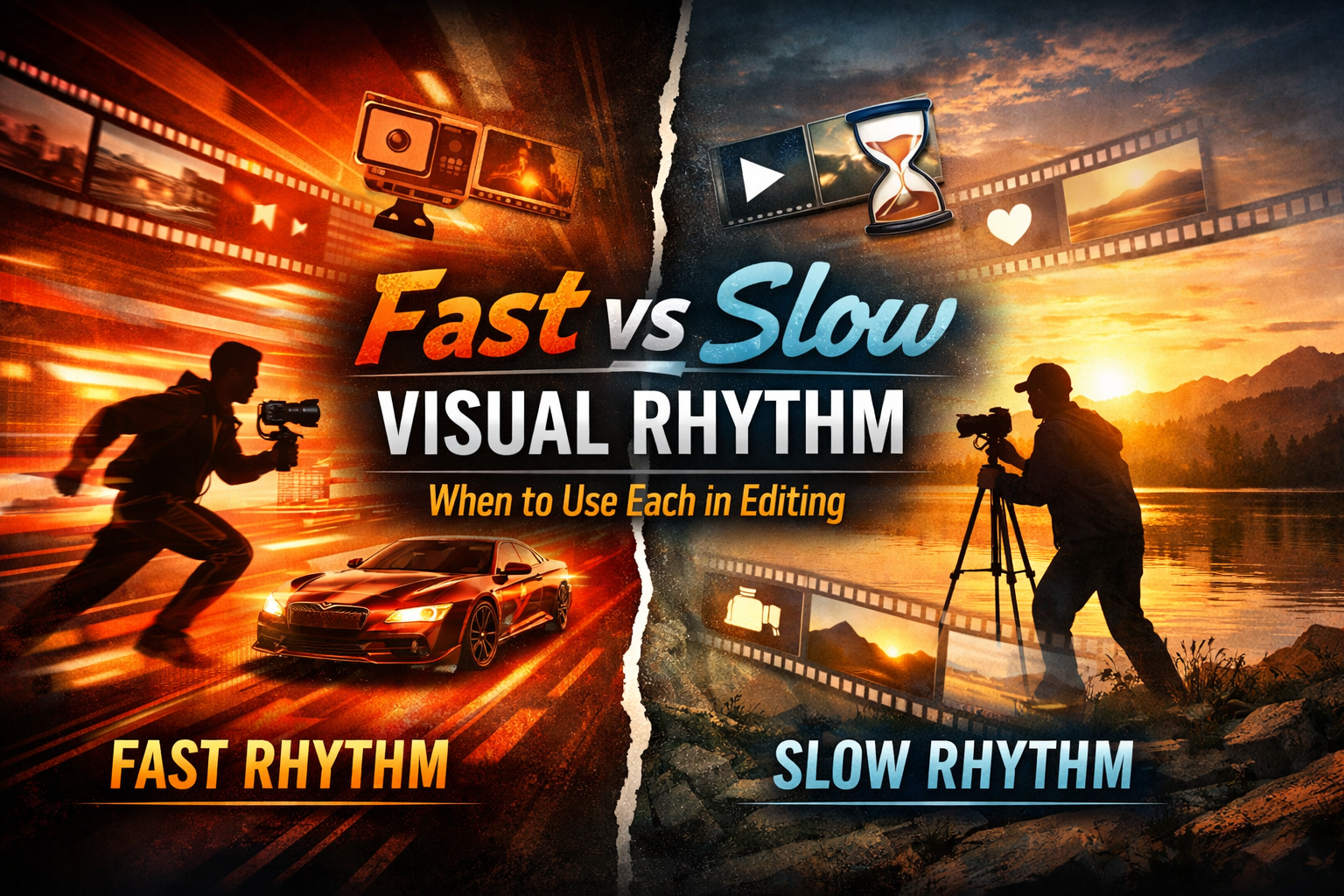
Visual rhythm is the invisible force that controls how your audience feels a video. It shapes pacing, emotion, clarity, and engagement, often without the viewer even realizing it. In modern video production, mastering fast vs slow video rhythm is not just a creative choice; it’s a strategic decision that directly impacts watch time, retention, and conversion.
Editors who understand when to accelerate pacing and when to slow things down create content that connects deeply, tells stronger stories, and drives real results. This guide breaks down both styles, explains when to use each, and shows how to balance them effectively.
What Is Visual Rhythm in Video Editing?
Visual rhythm refers to the timing and flow of cuts, transitions, motion, and scene changes in a video. It determines how quickly or slowly visual information reaches the viewer.
It includes:
- Cut frequency
- Shot duration
- Motion intensity
- Audio synchronization
- Scene transitions
In simple terms, visual rhythm is how your video “moves.”
Understanding Fast Video Rhythm
Fast visual rhythm uses quick cuts, rapid transitions, and dynamic motion to create energy and urgency.
Key Characteristics of Fast Rhythm
- Short shot durations (1–3 seconds)
- Frequent jump cuts
- High-motion footage
- Strong beat-based editing
- Energetic transitions and effects
When to Use Fast Video Rhythm
Use fast pacing when your goal is to grab attention instantly and maintain high energy.
1. Social Media Content
Short-form platforms reward speed. Fast rhythm keeps viewers hooked within the first few seconds.
2. Advertisements & Promotions
High-energy edits drive excitement and urgency, pushing viewers toward action.
3. Action Sequences
Fast cuts amplify intensity, making scenes feel more dramatic and immersive.
4. Product Showcases
Quick visuals highlight multiple features in a short time, ideal for conversion-focused content.
Benefits of Fast Rhythm
- Boosts engagement and retention
- Matches modern viewing habits
- Enhances excitement and momentum
- Works well with trending audio and music
Risks of Overusing Fast Rhythm
- Can overwhelm viewers
- Reduces emotional depth
- May confuse the message
- Leads to visual fatigue
Understanding Slow Video Rhythm
Slow visual rhythm focuses on longer shots, smoother transitions, and deliberate pacing to create emotional depth and clarity.
Key Characteristics of Slow Rhythm
- Longer shot durations (4–10+ seconds)
- Minimal cuts
- Subtle camera movement
- Natural transitions (fade, dissolve)
- Emphasis on storytelling
When to Use Slow Video Rhythm
Use slow pacing when you want your audience to feel rather than react quickly.
1. Storytelling & Brand Films
Slow rhythm allows viewers to connect emotionally with the narrative.
2. Interviews & Testimonials
Longer shots build trust and authenticity.
3. Cinematic Content
Filmmaking often relies on slower pacing to create atmosphere.
4. Educational Videos
Slower rhythm improves comprehension and information retention.
Benefits of Slow Rhythm
- Builds emotional connection
- Enhances clarity and understanding
- Creates a premium, cinematic feel
- Encourages deeper engagement
Risks of Overusing Slow Rhythm
- Can feel boring or outdated
- Reduces viewer retention in short-form content
- Lacks urgency and excitement
Fast vs Slow Video Rhythm: Key Differences
| Aspect | Fast Rhythm | Slow Rhythm |
|---|---|---|
| Pace | Rapid | Gradual |
| Emotion | Excitement, urgency | Depth, calmness |
| Viewer Reaction | Instant engagement | Reflective connection |
| Content Type | Ads, reels, promos | Films, stories, interviews |
| Attention Span Fit | Short-form audiences | Long-form viewers |
How to Choose the Right Rhythm
Choosing between fast vs slow video rhythm depends on your goal, audience, and platform.
1. Define Your Objective
- Want clicks and conversions? → Use fast rhythm
- Want emotional impact? → Use slow rhythm
2. Understand Your Audience
- Younger audiences prefer dynamic pacing
- Professional audiences value clarity and storytelling
3. Match Platform Behavior
- TikTok, Instagram Reels → Fast rhythm dominates
- YouTube documentaries → Slow rhythm performs better
4. Analyze Content Type
- Marketing videos → Fast + hybrid
- Brand storytelling → Slow + cinematic
The Power of Combining Both Rhythms
The most effective editors don’t choose one they blend both.
Hybrid Rhythm Strategy
- Start with fast cuts to hook attention
- Transition into slower pacing to build emotion
- Return to fast rhythm for a strong call-to-action
This approach creates:
- Emotional contrast
- Better storytelling flow
- Higher retention rates
Practical Editing Techniques
For Fast Rhythm
- Use jump cuts strategically
- Sync cuts with music beats
- Add motion graphics and overlays
- Keep clips short and visually dynamic
For Slow Rhythm
- Use longer takes
- Focus on composition and framing
- Add subtle camera movement (pan, zoom)
- Use ambient sound and natural audio
Common Mistakes to Avoid
- Using fast pacing without purpose
- Dragging scenes unnecessarily in slow edits
- Ignoring audience expectations
- Over-editing with excessive effects
- Failing to align rhythm with story
Expert Insight
Professional editors consistently agree: visual rhythm is storytelling control.
Experience shows that:
- Fast rhythm captures attention
- Slow rhythm builds connection
- Balance creates impact
Authority in editing comes from understanding why you choose a rhythm not just how to execute it.
Trust builds when your pacing feels intentional, not random.
Conclusion
Mastering fast vs slow video rhythm gives you complete control over how your audience experiences your content. Fast rhythm drives energy and engagement, while slow rhythm builds emotion and trust.
The real power lies in knowing when to use each and how to combine them effectively.
If your goal is to create high-performing videos, don’t just edit design the rhythm.
References
https://www.premiumbeat.com/blog/what-is-video-editing-rhythm/
https://www.studiobinder.com/blog/what-is-rhythm-in-film-definition/
https://www.videomaker.com/article/c05/18660-understanding-rhythm-in-video-editing/
https://www.adobe.com/creativecloud/video/discover/video-editing.html
https://www.frame.io/blog/video-editing-tips/